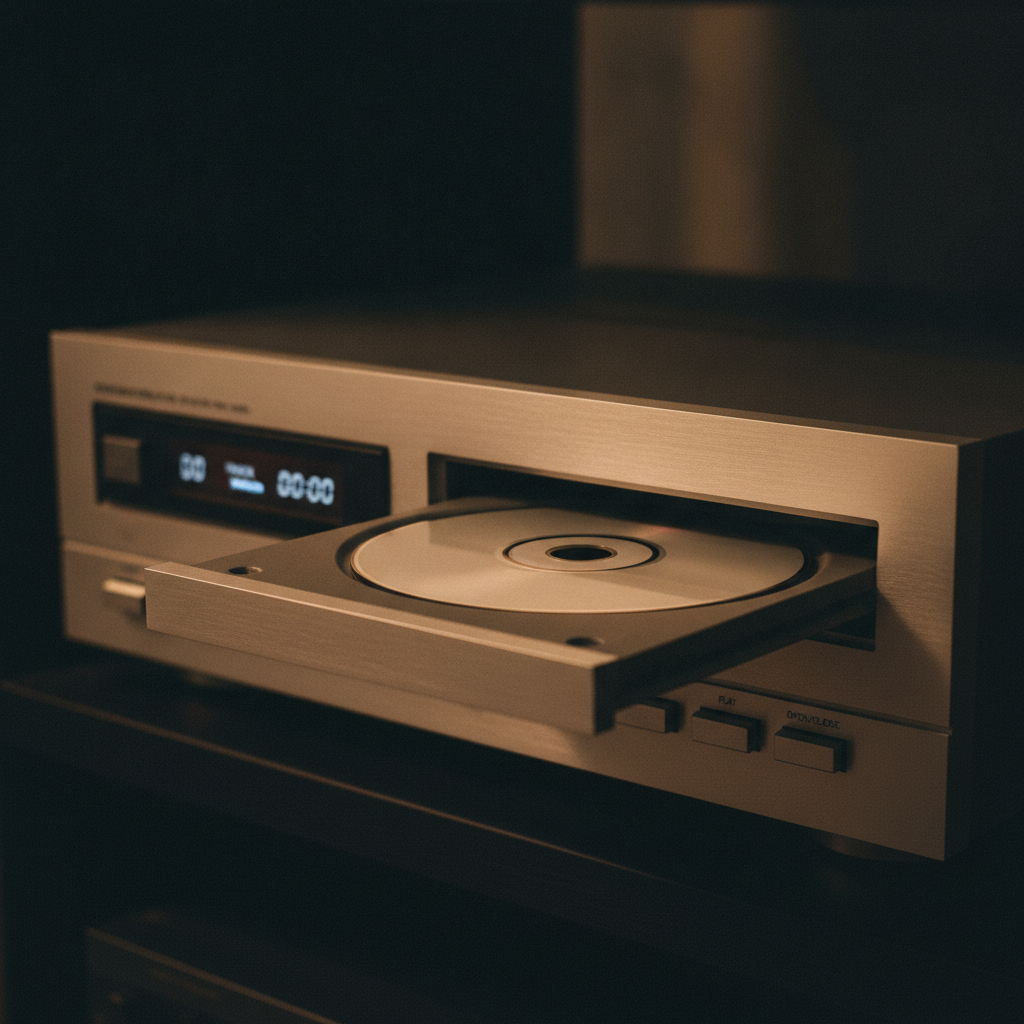
Copy a game CD from the mid-1990s to a hard drive, run it, and there is a good chance it works perfectly except that the music never plays. No error, no missing file, just silence where a soundtrack should be. The explanation is in how the disc was laid out.
A game disc could be two kinds of disc at once
The compact disc standards defined separate track types. Audio tracks hold uncompressed stereo audio in the format a CD player expects. Data tracks hold arbitrary bytes with error correction, which is what a computer reads files from.
A mixed mode disc holds both. Track one is data, containing the game. Tracks two onward are audio, containing the music. Put that disc in a CD player and it plays the soundtrack, usually starting from track two because track one would be noise.
The game plays music by asking the drive to start playing a numbered audio track. It does not read a file, decode anything or manage the audio itself. The drive plays the track and routes it to the sound card directly.
Why this was an attractive design
On the hardware of the period it was close to free. Compressed audio decoding cost processor time the game needed for everything else. Asking the drive to play a track cost essentially nothing, because the drive did the work in dedicated hardware.
The audio quality was also excellent by the standards of the alternatives. Full CD quality at a time when compressed formats were rare and expensive to decode was a real advantage, and composers could deliver recorded music rather than sequenced arrangements.
The tradeoff was that the drive could not read data while playing audio at full speed, which is part of why games using this approach tended to load a level, then start the music, rather than streaming both at once.
What goes wrong when you copy the disc
File copying tools see the data track. They copy the files, which is everything the game needs except the music, because the music is not files. It is audio tracks with no filesystem representation at all.
The result is a complete installation that runs correctly and plays nothing. The game asks the drive to play track four; there is no disc, or the disc image has no audio tracks, and the request quietly fails.
- Rip the audio tracks separately to lossless files, one per track, keeping the numbering.
- Check whether a source port or wrapper for the game supports substituting audio files for track playback. Many do, and this is the cleanest route.
- If using a disc image, use a format that preserves multiple tracks. A single-track data image cannot contain the audio no matter how it was produced.
That last point catches people repeatedly. Common single-track image formats represent one data track and nothing else. An image in that format is structurally incapable of holding the soundtrack, so no amount of remounting will recover it. A cue sheet with separate track files, or a format that preserves the full disc layout, is required.
The preservation angle
Redbook audio is a genuine preservation hazard, because the loss is silent. A copied game that will not start is obviously incomplete. A copied game that runs perfectly with no music looks fine, and may sit in an archive for years before anyone notices that a substantial part of the work is missing.
Track numbering matters too. Extracting the audio without recording which track was which produces a folder of files that no longer maps onto anything the game asks for. The order is the only metadata there was.
Anyone archiving discs from this era should check the track layout before assuming a data copy is complete. It takes moments, and the alternative is discovering the gap much later, possibly after the disc is no longer readable.